
 I’d like to welcome back Brian Hargreaves, 2024 Annual Meeting Program Chair, to the Program Chair blog. Brian graciously offered to write a guest blog with tips on how to use the new ECHO program. Thank you, Brian, for writing this.
Katy Keenan, Ph.D.
2026 Annual Meeting Program Chair
 It’s officially “Publication Day!” That magical moment when the ISMRM opens the program of incredible science and education for the annual meeting.
We’ve all been there: you want to catch the cutting-edge sessions, support your students, browse the latest vendor technology, and still find time to grab a coffee with a mentor. Balancing this is a multi-dimensional puzzle.
Fortunately, the new ECHO Program at a Glance builds on past years and offers an additional new look. Our meeting organizers are far too modest about the fantastic tools they have developed, so I’m highlighting my favorite new features so you can learn to navigate the Cape Town ISMRM meeting like a 30-year attendee in just 15 minutes!
The Quick Start
First things first: head to the Program at a Glance, log into your ECHO account and check “Keep Me Logged In.”
- Bookmark the program or save as a home-screen icon on your phone for a high-performance app!
- Pick Your Style: Both “Classic” and “New” views offer the same power!
- “My Schedule” on the right may already have some important events curated for you, such as an abstract that you are presenting or co-authored, or a session you are moderating
- Home is a good place to start and find some tips to get going.
Search & Filters
Search: Search the program quickly by keywords, authors, topics. Results are clearly shown under day names, with sessions and presentations highlighted when you click the day.
Filters (located right below the days) are your friends! Want to find every summa cum laude Diffusion Oral Presentation? Three clicks and you’re there!
Pro Tip: If the program looks empty, check the highlighted filters and make you selected “All” in these to see the full spectrum of content again.
 Deep-Dive into Sessions & Abstracts
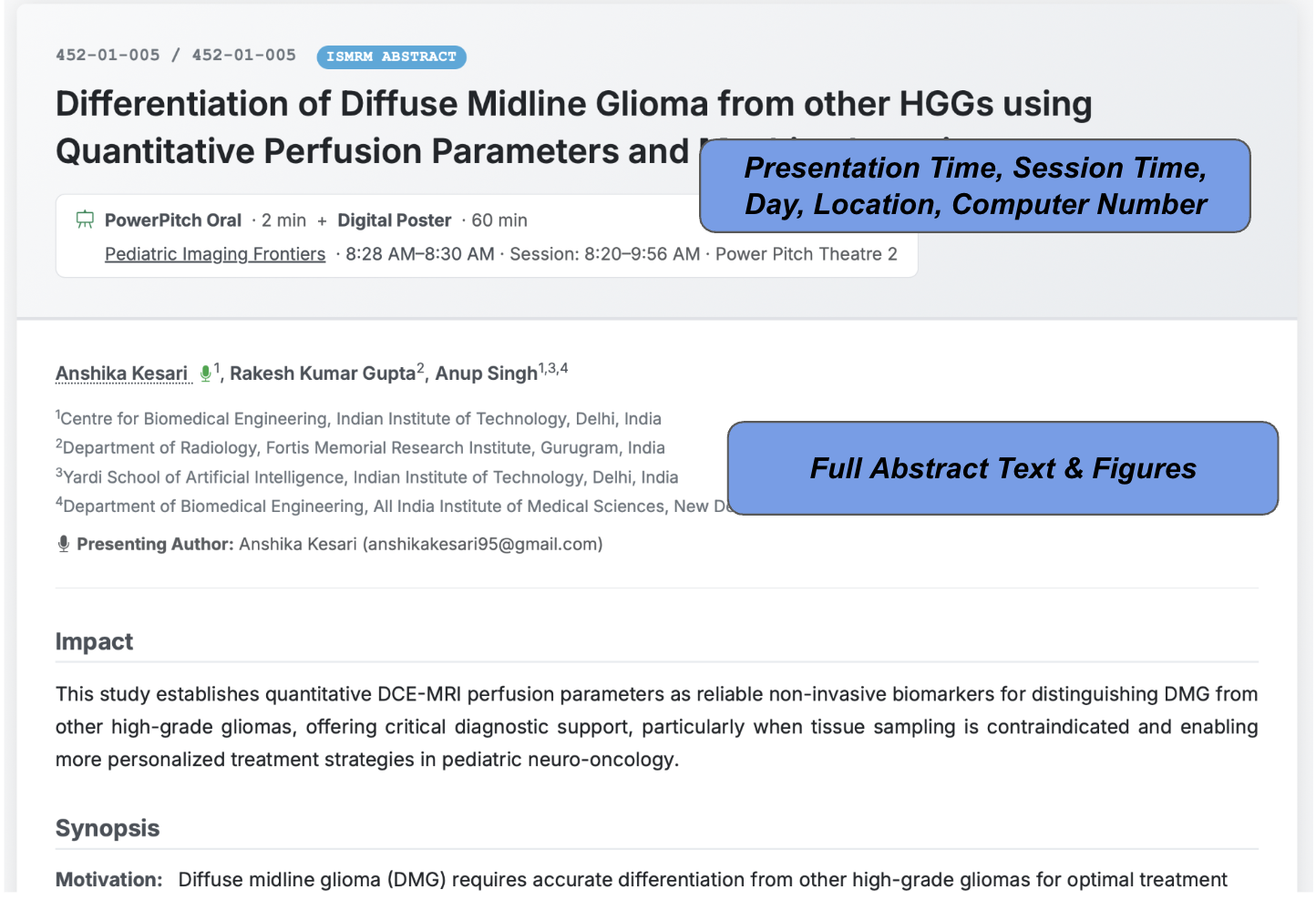
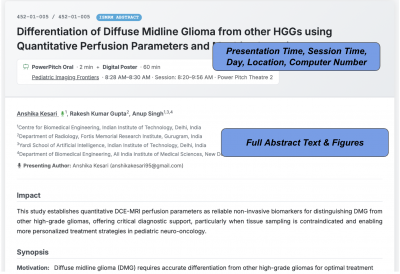
Clicking into a session gives you the full summary and a list of abstracts.
- Color Coding: The colored bars on the left of sessions match topics in the filter list.
- Explore Posters: A graphical preview for digital poster sessions—exactly what you’ll see at computer rows in the hall!
- Abstract Details: It’s all there: session (with link), day, time, location, computer and row number, and the full text with figures!
- Pro Tip 1: Export the citation in several formats or share the URL directly with colleagues.
- Pro Tip 2: At the top of the abstract page, click on “My Notes & Schedule.” You can add your own notes to the abstract page or use the “Add to Schedule” button.
- Pro Tip 3: Scroll to the bottom of any abstract to see similar abstracts based on content (you may otherwise miss these if they are in different sessions)
 Build “My Schedule”
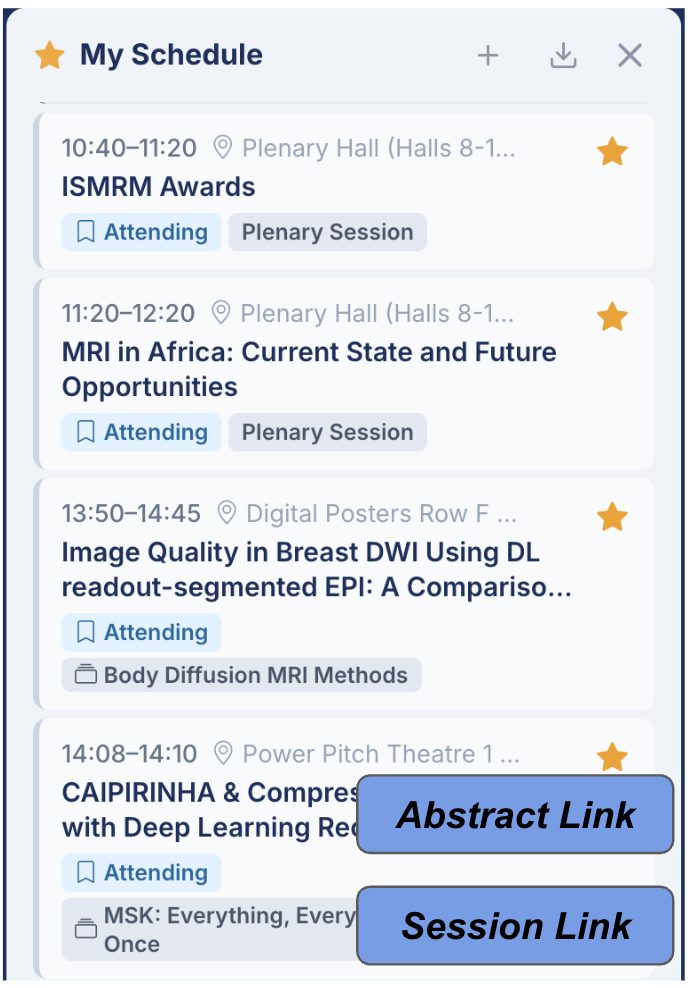
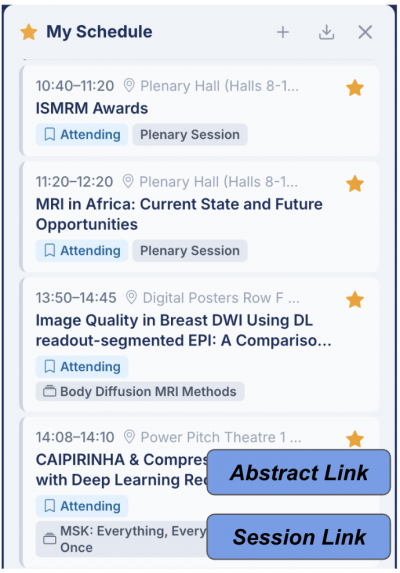
The “star” system lets you quickly build your schedule to view, modify, and export.
- Star the sessions and abstracts to attend!
- View them in My Schedule (either full-width or the compact pop-out) and note they link back to abstracts and sessions in the program.
- Use the Plus (+) button to add custom events—like that dinner reservation or a private meeting.
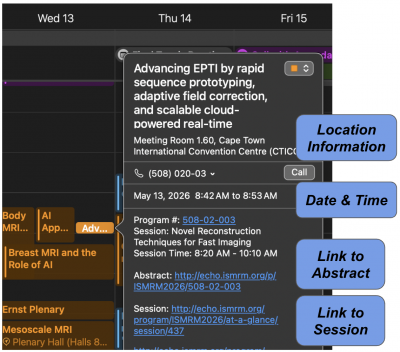 The Calendar
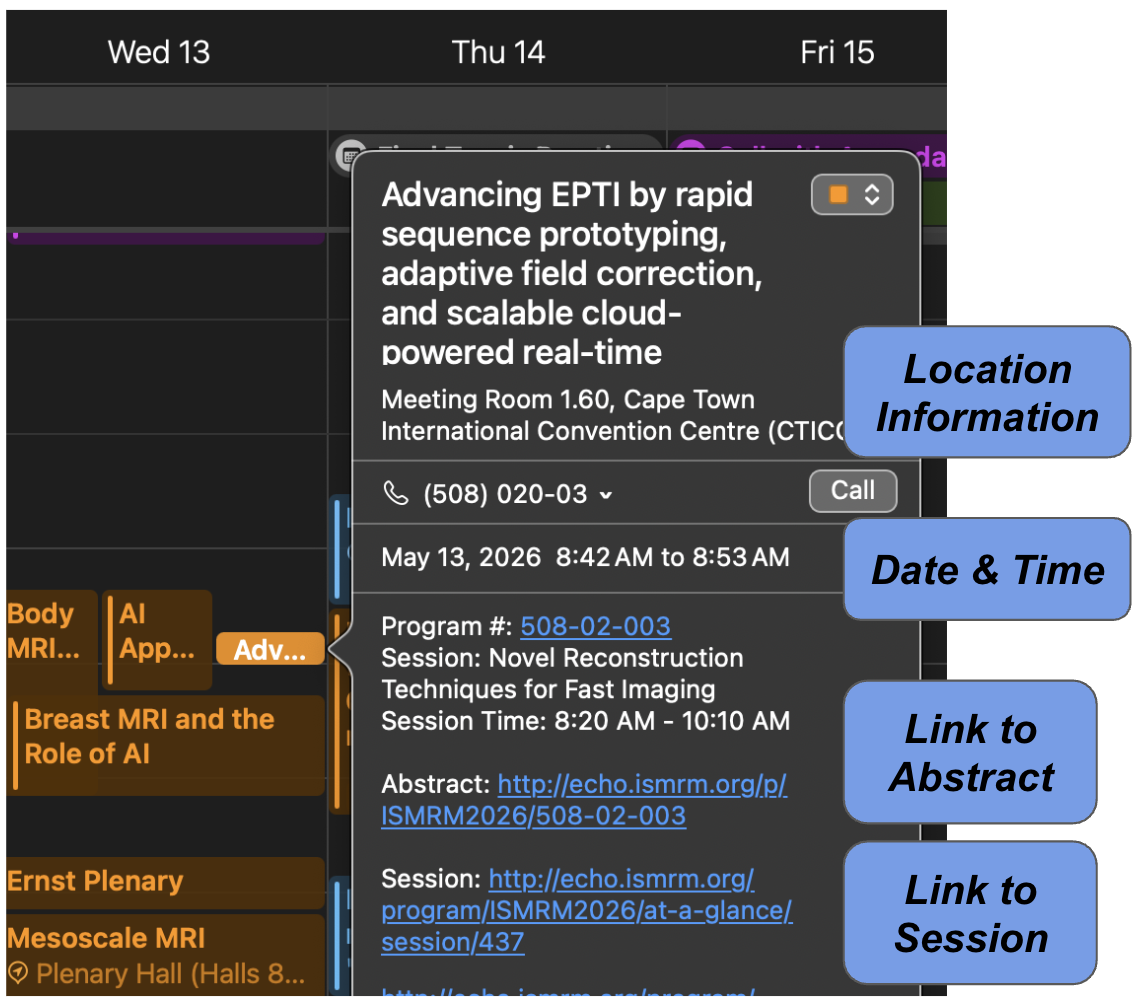
Don’t just print a PDF! Use the “Subscribe to Calendar” function under the export icon! This feature allows:
- Live Sync: As you add stars in the ECHO program, your phone or laptop calendar will update automatically.
- Direct Links: Every calendar entry includes links that jump right back into the ECHO program for the full details of the session and presentation/abstract.
More Science, Less Scrolling
The new ECHO Program aims to help you quickly find where you need to be, so you can spend more time exploring the Corporate Exhibition, finding the best food in Cape Town, and catching up with friends!
Happy scheduling, and we’ll see you in Cape Town!
Brian A. Hargreaves, Ph.D.